
Made forthe photo cleanuppeople avoid

Hi, I'm Rafa. Gallery Checkup started as a way to help my mom clean up her phone with confidence.

Gallery Checkup app icon, iPhone and iPad screenshots.

Her problem was simple: the phone was full, Photos was overwhelming, and every cleanup session felt risky. She wanted space back, but she did not want to accidentally delete the picture she would care about later.

I went looking for an app that could give her enough confidence to handle it herself. Most tools either felt too automatic, too technical, or too easy to mistrust. They could find clutter, but they did not slow the decision down in the way a normal person actually needs.

So I made Gallery Checkup around the part that mattered most: review. It prepares focused bundles like screenshots, blurry photos, long videos, and similar shots, then asks you to decide calmly. Favorites stay protected, nothing is removed until you confirm, and you can start with one free bundle before subscribing.

The goal is not to make photo cleanup feel clever. It is to make it feel safe enough that someone like my mom can do it without calling me first.

Download on the App Store Gallery Checkup is available now for iPhone and iPad.

Daily plan

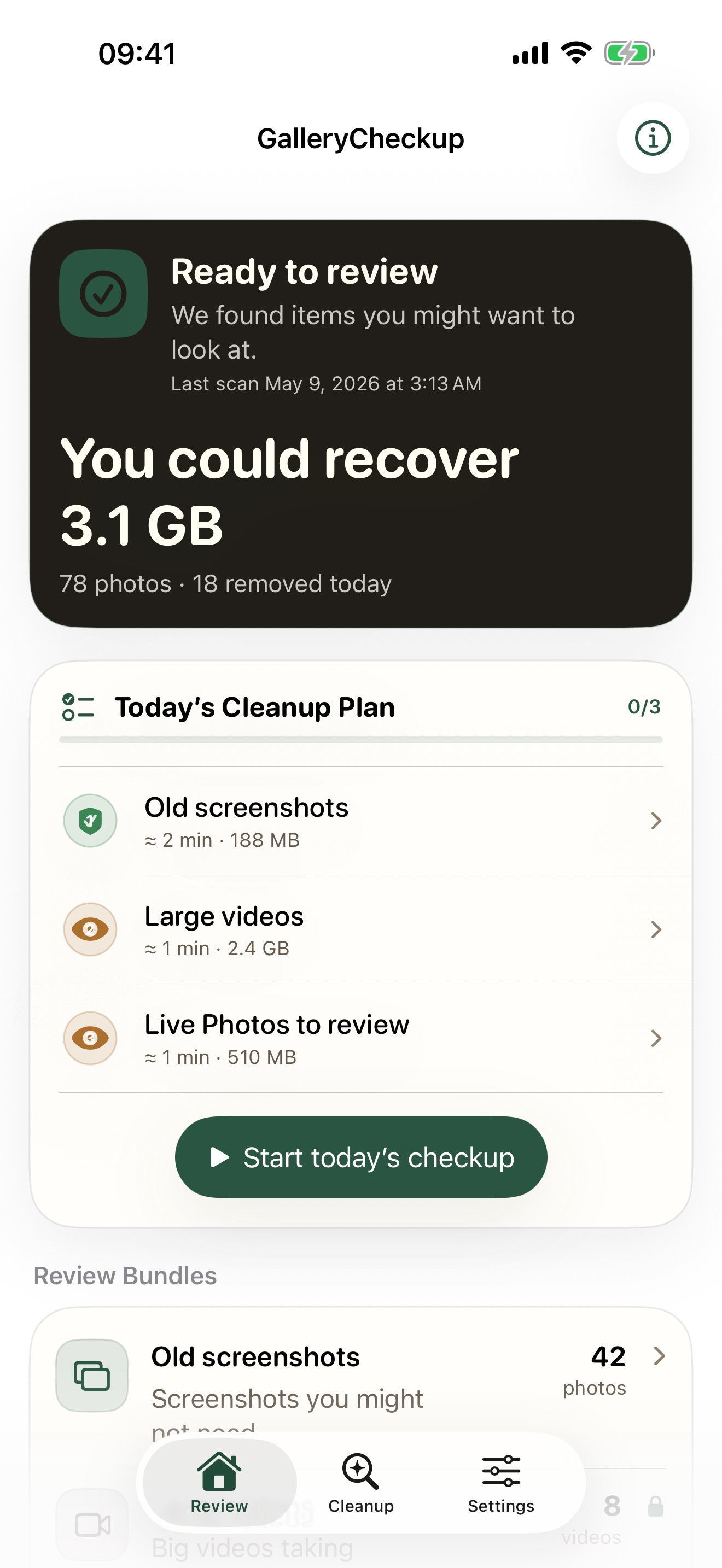
A short, guided cleanup plan

Gallery Checkup structures your bundles into a daily plan — roughly five minutes. Bundles are ordered by safety tier so you start with things you definitely won't miss and leave sentimental items for when you're ready. Very Safe bundles like screenshots and blurry photos come first. Review items like similar photos and social saves follow. Memories like Today in History and Nostalgic Month appear last.
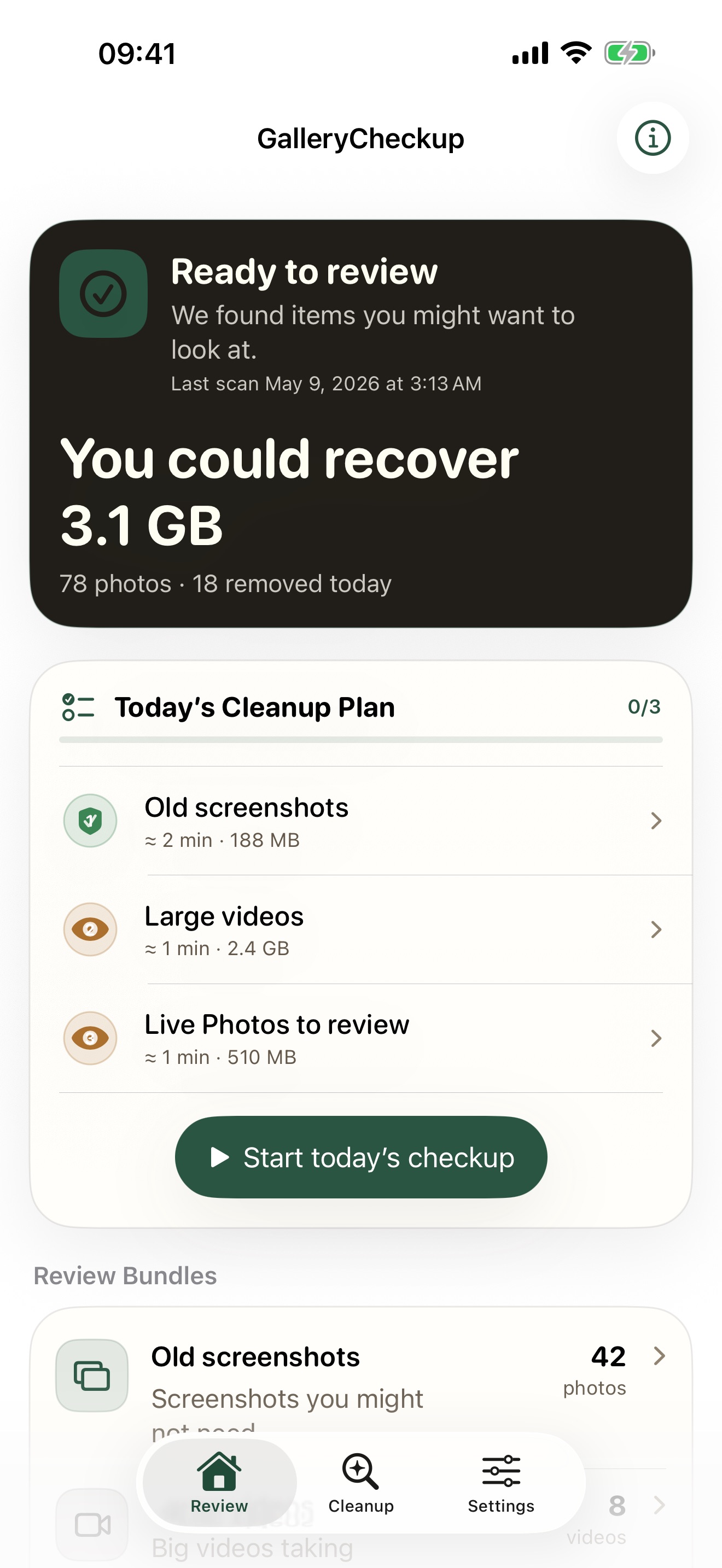
Gallery Checkup iPhone screenshot showing the review flow for the daily cleanup plan.

Recovery tracking

Every cleanup, tracked over time

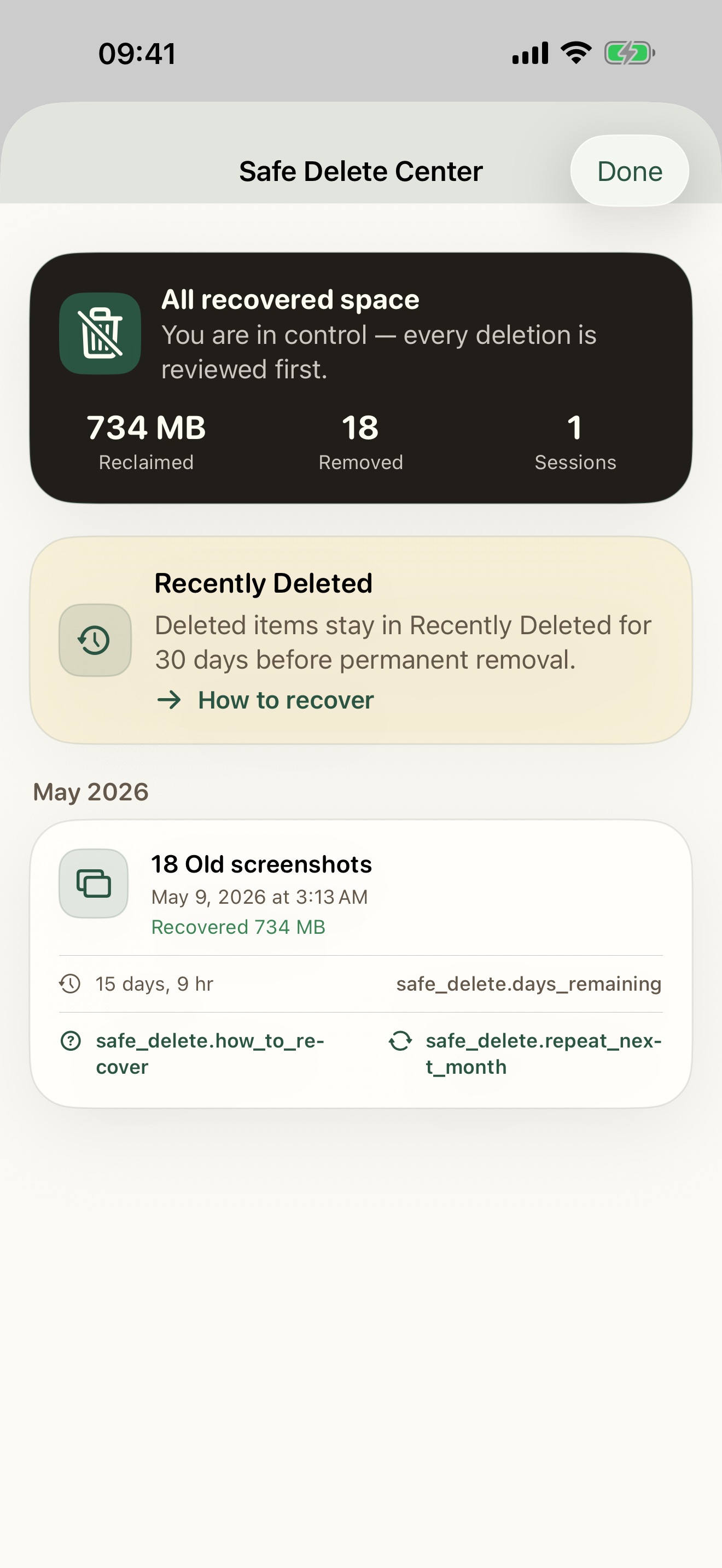
The Safe Delete Center records every cleanup session you complete — total storage reclaimed, total items removed, and total sessions. Each session appears as a card grouped by month with the bundle category, date, bytes freed, and a recovery countdown showing days remaining before Photos permanently deletes those items. When fewer than four days remain, the app flags it with an urgency indicator. You can also re-queue bundles to check again next month.

Gallery Checkup iPhone screenshot showing the Safe Delete Center with session history and recovery countdown.

Transparency

Know exactly what was scanned

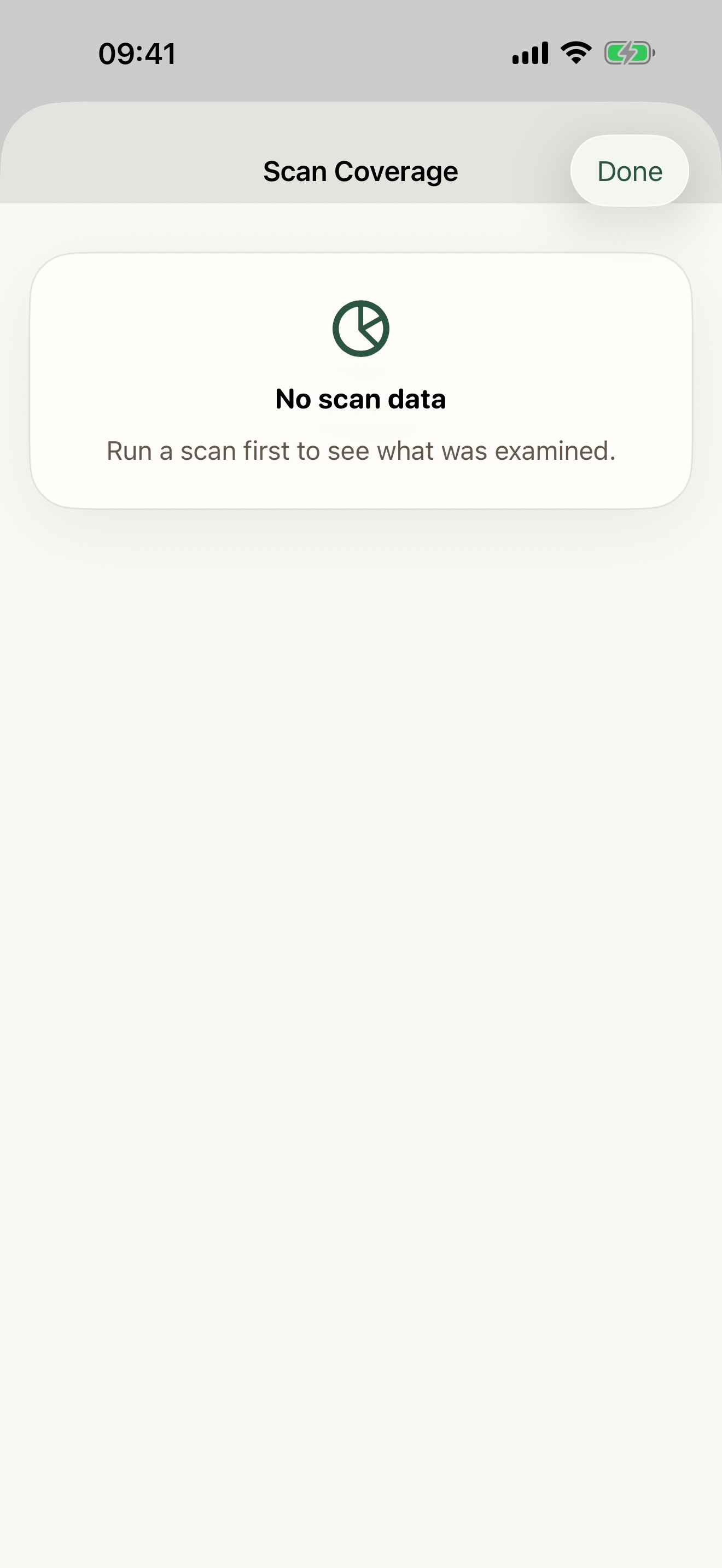
After each full scan, you get a coverage breakdown: photos and videos analyzed, iCloud placeholders intentionally skipped, Shared Library items found, favorites and protected albums excluded, and quality cache hits. This gives you transparency into scan completeness — no surprises, you understand what appears in your bundles and why.

Gallery Checkup iPhone screenshot showing the scan coverage report with analysis breakdown.

Video tools

Don't delete it. Trim or compress it.

Long or large videos don't have to be all-or-nothing. Trim frame-accurately with visual scrubbing to set start and end points, or compress to 1080p, 720p, or 480p. Processed videos export as new .mp4 files to your photo library with complete file protection. Temporary files are cleaned up automatically — giving you an intermediate option between keeping a huge file and deleting it.

Gallery Checkup iPhone screenshot showing the video trim and compress controls in the detail view.