
How to remove duplicate photos on iPhone
Start with Apple Photos if you want to merge repeated images. Use a separate review for photos that look alike but capture different moments. Neither a duplicate label nor a similarity score tells you which memory matters.
Use the Duplicates collection in Apple Photos
Keep an independent copy of important photos before a large cleanup. With iCloud Photos, changes also affect your synced library.
- Open Photos and locate Duplicates under Utilities in Collections.
- Compare the images in one group.
- Choose Merge for that group and confirm.
- Check the retained image before you continue with more groups.
Older layouts place Duplicates under Albums. Apple combines the best available image quality and relevant data when it merges copies.
If Duplicates is missing
Apple needs time to analyze the library. Its guidance is to leave the iPhone locked and connected to power. Detection may take a few days, depending on the library. The collection appears when duplicates are found.
A missing collection does not prove that no two photos look similar. Different shots of the same scene can still need a manual decision.
Compare Apple Photos and Gallery Checkup
| Task | Apple Photos | Gallery Checkup |
|---|---|---|
| Repeated images | Merge detected groups. | Review available cleanup bundles. |
| Different shots of a scene | Compare and choose manually. | Review similar-photo suggestions. |
| Decision | Confirm the merge. | Confirm the removal selection. |
| Access | Included with Photos. | One chosen bundle free; further access through an in-app purchase. |
Use the tool that answers your current problem. You do not need another app merely to try Apple’s duplicate merge.
Review similar photos without losing the best moment
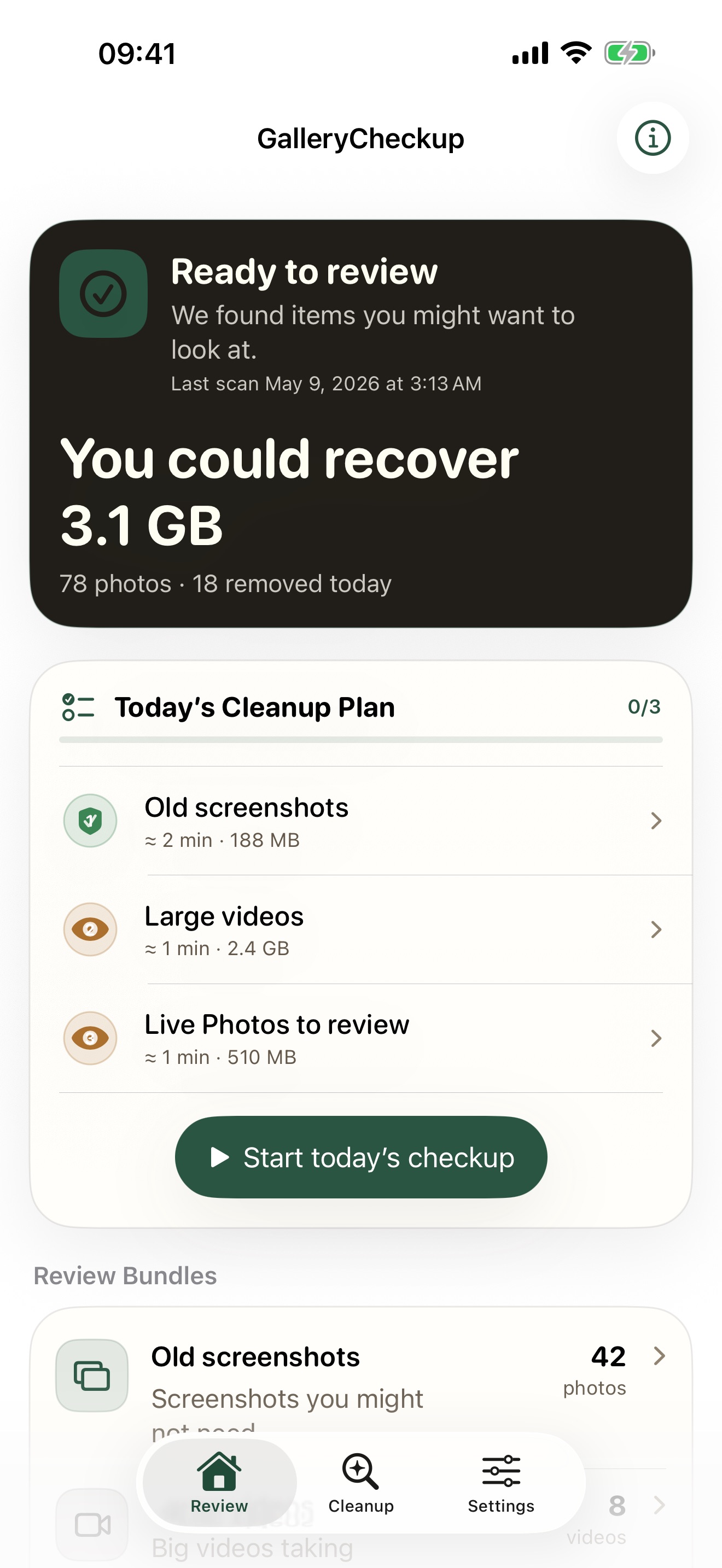
- Run a scan in Gallery Checkup.
- Open an available similar-photo bundle.
- Compare expressions, focus, and details you want to preserve.
- Keep every distinct moment that matters.
- Review the removal selection before confirmation.
Suggestions depend on photo access and scan coverage. They are candidates for your review, not proof that an image has no value.
Check the result before another cleanup
Apple moves merged-away copies to Recently Deleted. Recovery is time-limited and ends if you permanently delete those items. Read the recovery guide before you empty that album.
For a trip library, follow the travel-photo review plan. For large files, video compression may be a better next step than removing more photos.